
DeepNex Consulting · October 31, 2026
- KoboToolbox
- ODK
- CAPI
- digital data collection
- data collection Pakistan
- survey firm Pakistan
Paper questionnaires are still common in Pakistan. They are familiar, they need no battery, and anyone can carry them. But paper also means weeks of data entry, lost or damaged forms, handwriting nobody can read, and no way to see problems until fieldwork is over. Computer-assisted personal interviewing (CAPI), where enumerators record answers on a phone or tablet, solves many of these problems, if it is planned properly.
Two free, widely used tools dominate humanitarian and development surveys: KoboToolbox and ODK (Open Data Kit). This guide explains how organisations in Pakistan can choose between them, design forms that work in the field, and avoid the most common mistakes when moving from paper to digital.
Why move from paper to digital surveys?
The benefits of CAPI are practical rather than fashionable:
- No separate data entry. Answers are captured once, on the device, which removes a whole stage where typing errors creep in.
- Errors are blocked at the source. Constraints stop impossible answers, and skip logic shows each respondent only the questions that apply.
- Faster visibility. When enumerators sync, supervisors can see submissions within hours rather than weeks.
- Richer evidence. Timestamps, GPS points, photos and audio (with consent) can be collected alongside answers.
Digital is not automatically better, though. A badly designed digital form simply produces bad data faster. The rest of this guide is about getting the design right.
KoboToolbox or ODK: which should you use?
Both tools are built on the same open form standard, so the choice is less dramatic than it sounds.
KoboToolbox
KoboToolbox is a free platform with a web-based form builder, hosted servers and a data dashboard. It is popular with NGOs and humanitarian agencies because a team can start without managing any servers. Forms can be built in the browser or uploaded as an XLSForm spreadsheet, and enumerators collect data with the KoboCollect Android app or in a web browser.
ODK
ODK provides ODK Collect (the Android app) and ODK Central (the server). Central can be self-hosted or used through ODK's paid hosting. ODK suits teams that want more control over where data is stored, need advanced features such as entity-based follow-ups, or have the technical capacity to run their own server.
How to decide
Ask three questions:
- Where must the data be stored? If a donor, ministry or partner requires data to stay on a specific server, a self-hosted ODK Central setup may be the better route.
- Who will maintain it? If no one on your team can manage a server, KoboToolbox's hosted service is simpler.
- What does the survey need? Most household, beneficiary and monitoring surveys work well on either tool. Longitudinal studies that revisit the same households may benefit from ODK's entity features.
Designing a digital form that works in the field
Start from the analysis plan, not the questionnaire
Before building anything, list the indicators and tables your report must contain. Every question in the form should map to one of them. This keeps forms short, which matters in the field: long interviews tire respondents and enumerators, and data quality falls towards the end.
Write the form in XLSForm
XLSForm is a spreadsheet format both tools accept. It makes forms easy to review, compare and version, and lets a translator work in a separate column for each language. Keep a clear naming convention for variables (for example `hh_size`, `income_main_source`) so analysts can work with the data directly.
Plan for Urdu and regional languages
Both tools support multiple languages within one form, and enumerators can switch language on the device. Test that Urdu and other scripts display correctly on the actual phones your team will use, as older devices sometimes render Nastaliq text poorly. Translation itself deserves careful testing; see our earlier note on writing survey questions that work in Urdu and regional languages.
Use constraints and skip logic carefully
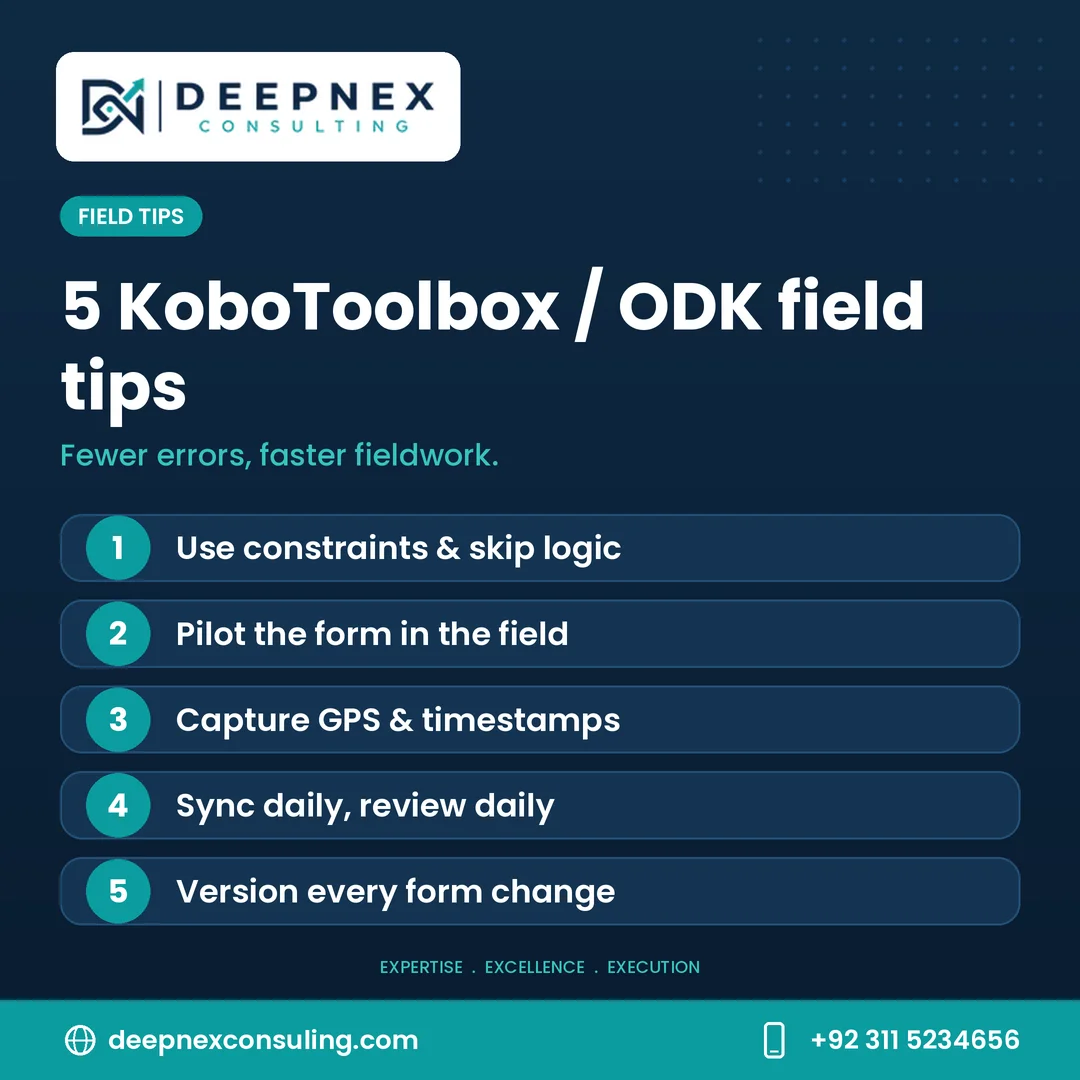
Constraints prevent impossible values, such as an age above 120. Skip logic hides irrelevant questions. Use both, but test every path: a single wrong condition can hide an entire section from half your sample without anyone noticing.
Capture metadata automatically
Add start and end times, device ID and, where appropriate and consented, GPS location. These fields cost the respondent nothing and give supervisors a way to verify that interviews happened as planned.
Preparing devices and fieldwork
Work offline by default
Connectivity varies widely across Pakistan, especially in rural Balochistan, Khyber Pakhtunkhwa, Gilgit-Baltistan and parts of Sindh. Both KoboCollect and ODK Collect work fully offline and sync when a connection is available. Plan sync points, such as a daily stop at a location with mobile data, rather than assuming constant coverage.
Choose and prepare devices
Use a consistent set of Android devices where possible. Before fieldwork, install the app, load the final form, set a power-saving routine and carry power banks. Lock unnecessary apps and settings so devices stay focused on data collection.
Pilot in real conditions
Pilot the digital form in a community similar to your sample, not in the office. Pilots reveal confusing wording, wrong skip logic, slow sections and device problems. Update the form, and give every change a new version number so you always know which data came from which version.
Train enumerators on the tool as well as the questions
Enumerators need to know how to navigate the form, save drafts, correct mistakes, and sync. Include practice interviews on the actual devices in training.
Protecting respondents' data
Digital data is easier to copy and share than paper, so protection must be planned:
- Record informed consent inside the form before any substantive question.
- Restrict server access to the people who need it, and use strong passwords and two-factor authentication where available.
- Separate personally identifiable information, such as names, CNIC numbers and phone numbers, from the analysis dataset where possible.
- Enable form encryption for sensitive surveys. Both tools support it, so submissions can only be read with a private key.
- Agree in writing who owns the data and when it will be deleted.
After fieldwork: cleaning and handover
Digital collection reduces, but does not remove, the need for cleaning. Check duplicates and IDs, flag outliers, reconcile form versions and document every change in a cleaning log. For the checks to run while fieldwork is still under way, see our note on data quality checks during field data collection.
At handover, deliver the raw export, the cleaned dataset, the XLSForm, a codebook and the cleaning log. That package lets anyone repeat or audit the analysis later.
Frequently asked questions
Is KoboToolbox free to use?
KoboToolbox offers a free plan for many users, including humanitarian and non-profit organisations, with paid plans for higher usage. Check the current limits on the KoboToolbox pricing page before planning a large survey.
Can KoboToolbox and ODK collect data without internet?
Yes. Both KoboCollect and ODK Collect save submissions on the device and upload them when a connection is available.
Can forms be in Urdu, Sindhi or Pashto?
Yes. XLSForm supports multiple language columns, and enumerators can switch language on the device. Always test how each script displays on your field devices.
Do we need a consultant to run a digital survey?
Not always. Small, simple surveys can be run in-house. A specialist helps when the survey is large, multi-language, sensitive or tied to donor reporting, where design errors are expensive.
See this tip and more on our Facebook, Instagram and LinkedIn pages.
Plan your next digital survey with DeepNex
DeepNex Consulting designs and runs digital surveys for NGOs, startups, donors and public bodies across Pakistan, from XLSForm design and translation to enumerator training, live quality checks and clean, documented datasets. Explore our services or read our approach.
Talk to us: email [email protected], WhatsApp +92 311 5234656, or contact us online. We are based in G-7, Islamabad.